Use Case: AI for Email Templates
Here's a fact about my prior role at Credit Karma: email production was hard.
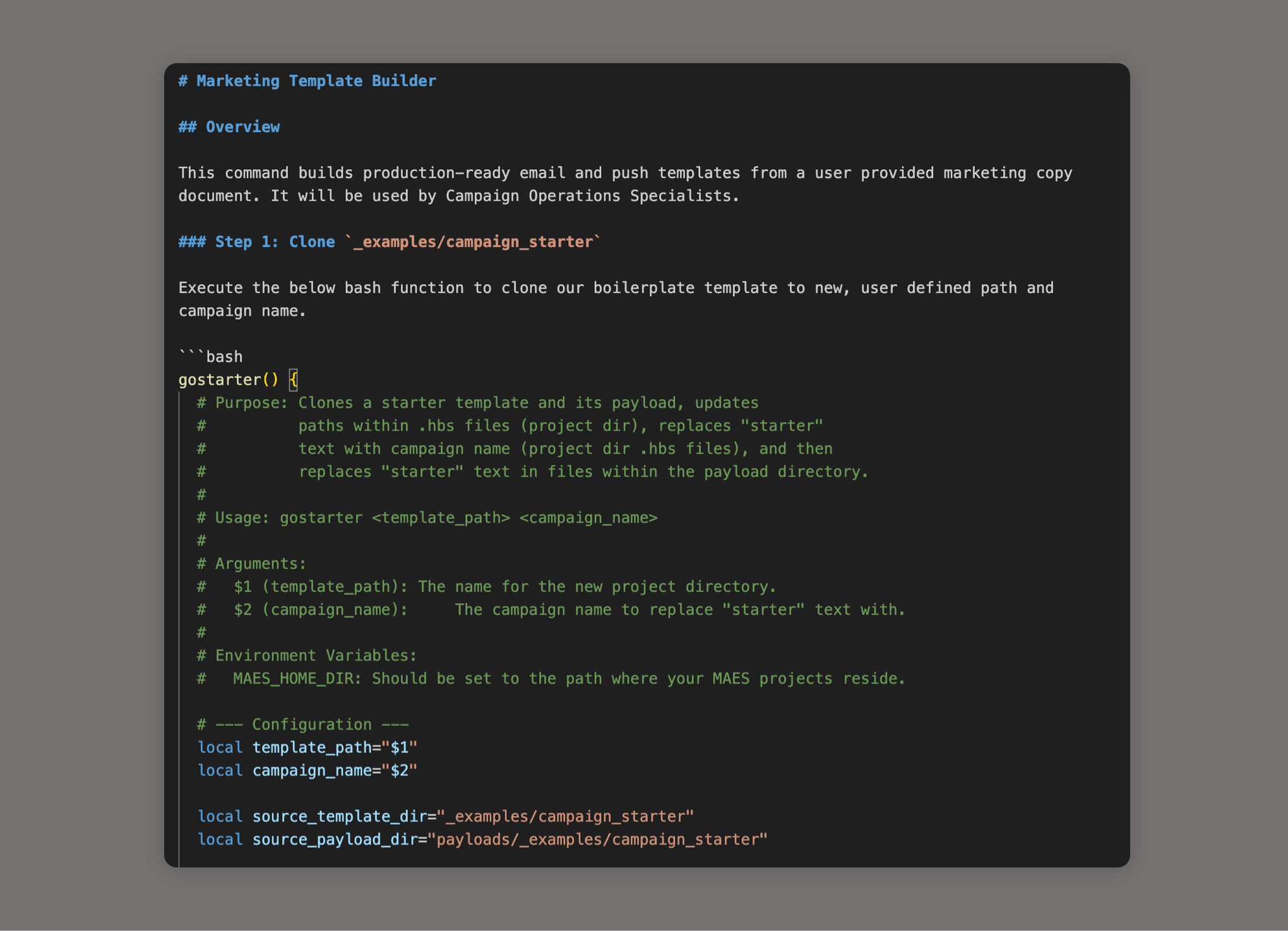
At Credit Karma, emails were built using Handlebars.js and Node inside a custom marketing platform, version-controlled in a GitHub repository. Creating a new email meant branching, creating Handlebars and JSON files, and opening a Pull Request. Before AI entered the picture, I did everything I could to automate this — writing bash scripts from Terminal to speed up my personal workflow. It worked, but it had limits.
Then AI was unleashed.
I started experimenting with our in-house GenAI platform. It was kind of good.
Then we were given access to Google Gemini, which I used to refine my bash scripts into something far more powerful. I was learning what AI could reliably do when given proper instructions.
When Cursor became generally available, that's when everything changed.
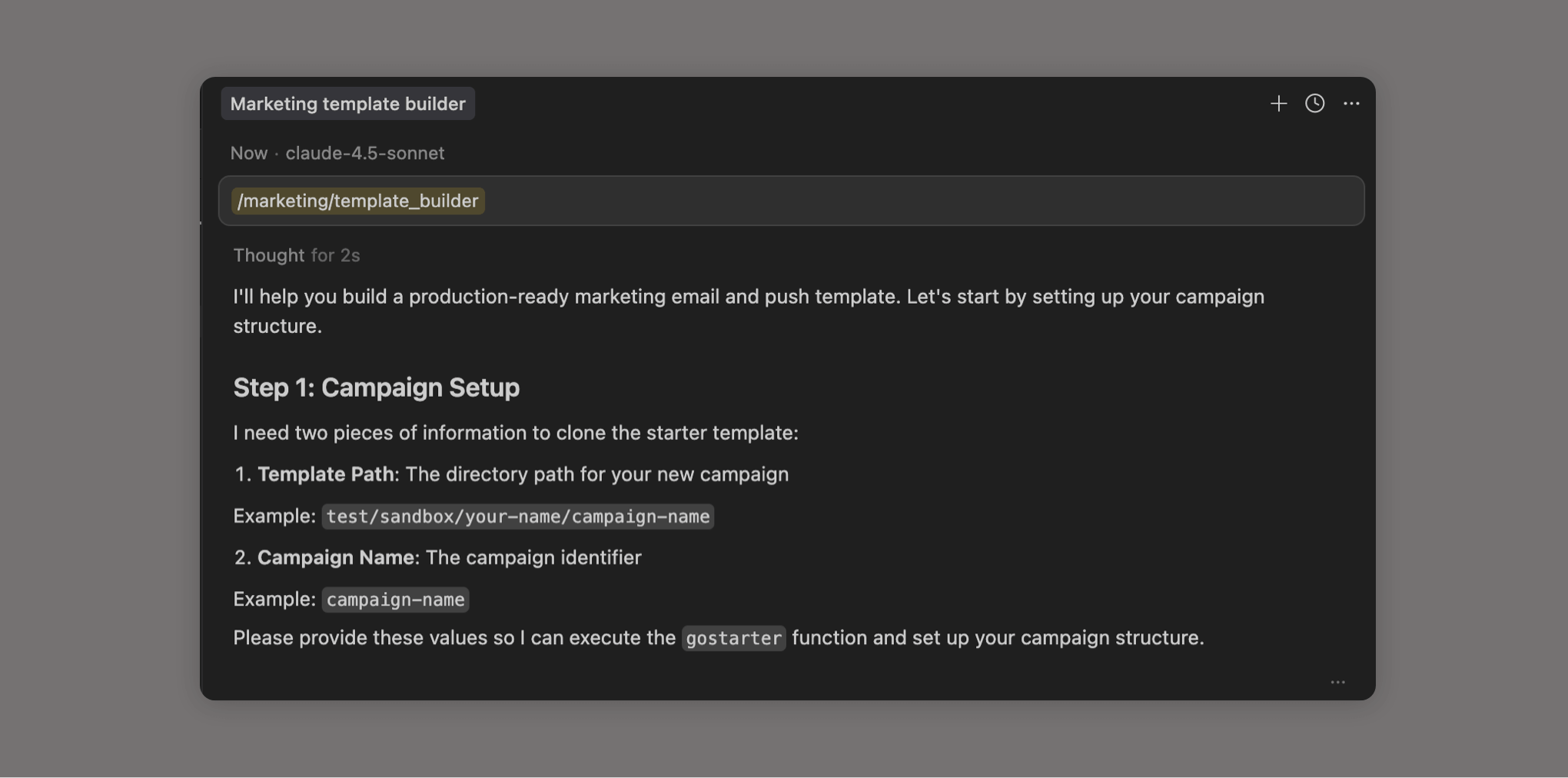
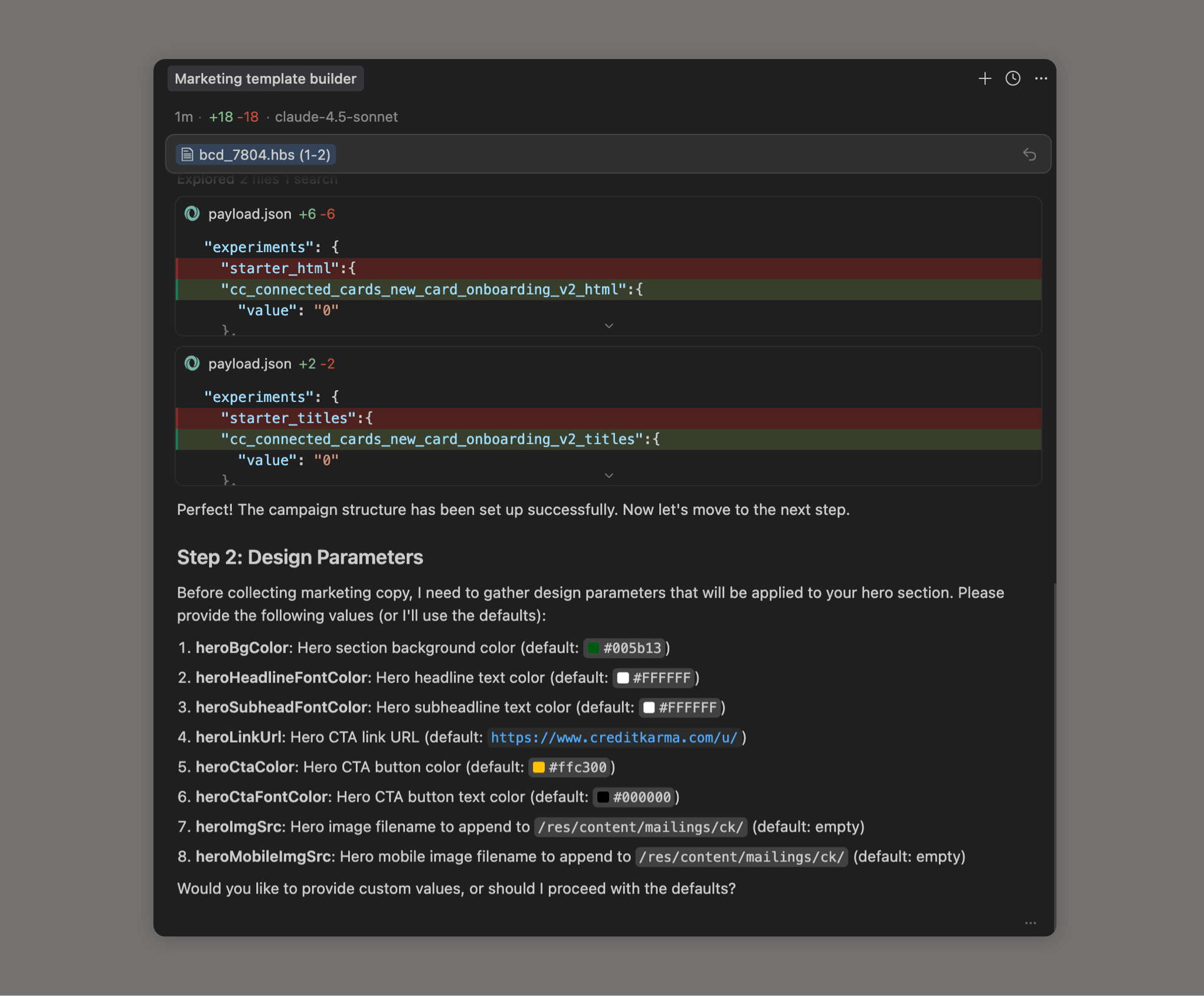
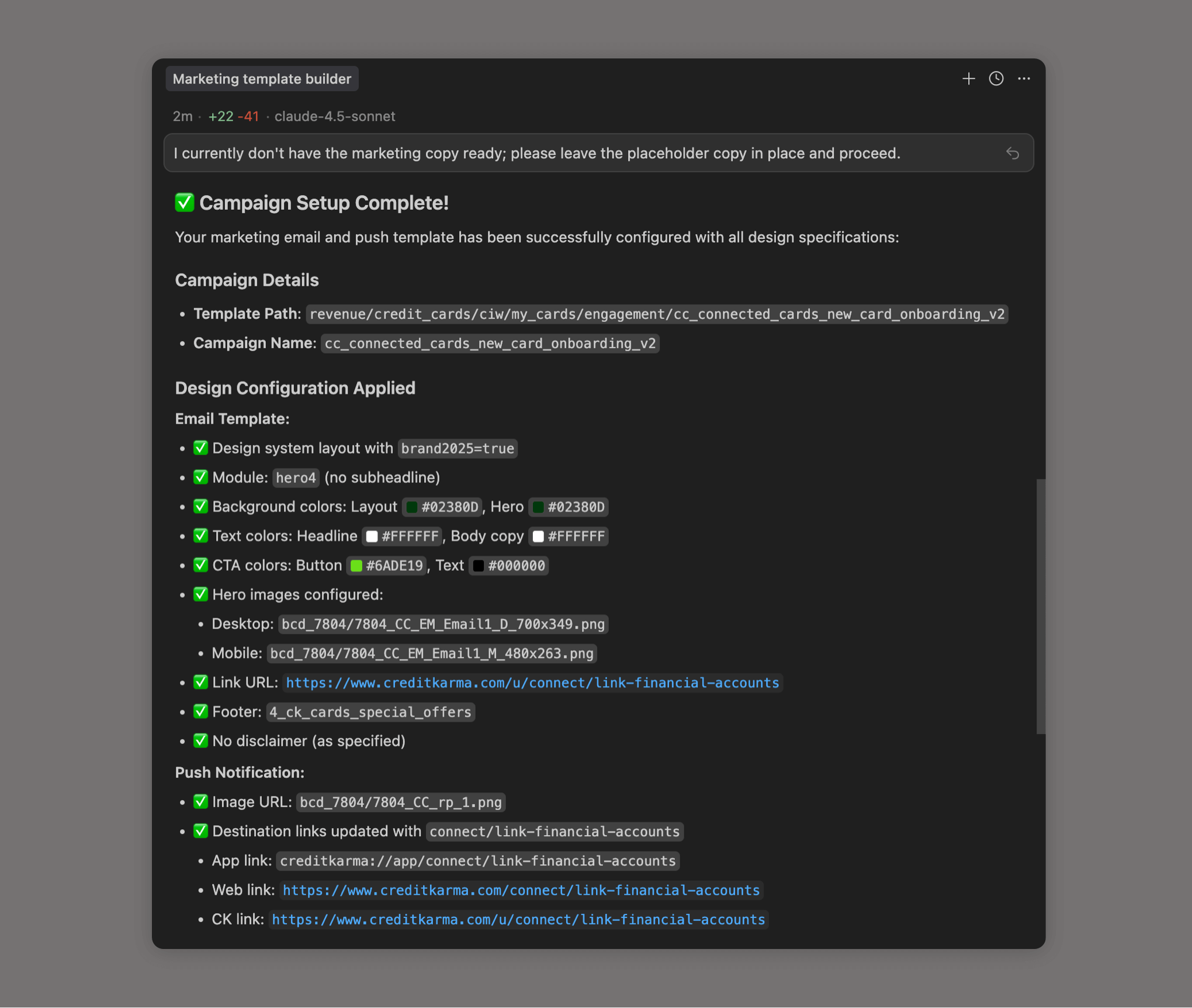
Using Cursor, I built a system of Rules and Commands that fully automated email template production. I'd give it a brief and a few basic instructions — the agent handled the rest.
I also connected Cursor to Figma via its MCP integration, so I could pull design specs directly into the build process for new modules and components.
The result: a 70% reduction in template build time, with no engineering support required. What used to take a several hours now took up to 20 minutes.
I never believed I'd be able to streamline this much out of email production — but that time came.
Details:
Role: Growth Technology Manager
Company: Intuit Credit Karma
Tools: Cursor, Claude Code, Figma MCP, Google Gemini, Bash, Handlebars.js, Node, GitHub
Platform: Custom internal marketing platform
Dates: 2024–2026